How to Use QR Codes to Collect Reviews in Person
In today’s digital marketplace, online reviews serve as powerful social proof that can make or break a business. Yet there’s a persistent challenge: how do you capture authentic feedback from satisfied customers in the moment, when their experience is fresh and enthusiasm is high? This is where QR codes for reviews create a perfect bridge between physical interactions and digital feedback.
By strategically placing QR codes at key touchpoints in your physical business, you can transform casual satisfaction into valuable online reviews—without the friction that typically causes customers to forget or abandon the process. This comprehensive guide will walk you through everything you need to know about implementing QR codes to collect more authentic reviews in person.
The Benefits of Using QR Codes for In-Person Reviews
Before diving into implementation, let’s explore why QR codes have become such a powerful tool for businesses seeking to build their online reputation through in-person interactions.
QR codes make leaving reviews convenient for customers right at the point of service
Capture Feedback at Peak Satisfaction
QR codes allow you to collect reviews when customer satisfaction is highest—immediately after a positive experience. This timing significantly increases both the quantity and quality of reviews you receive.
Eliminate Friction in the Review Process
With a simple scan, customers can access your review page directly—no searching, typing URLs, or navigating through apps required. This convenience dramatically increases conversion rates from satisfied customers to published reviews.
Direct Customers to Your Preferred Platform
QR codes give you control over where reviews are submitted. Whether you want to boost your Google Business Profile, Yelp presence, or collect feedback on your own system, QR codes can direct customers exactly where you need reviews most.
Increase Review Volume
Businesses using QR codes for reviews typically see a 25-40% increase in review submission rates compared to traditional email follow-ups, according to industry data. More reviews mean better visibility in search results.
Enhance Customer Engagement
QR codes create an interactive touchpoint with your customers, demonstrating that you value their feedback while providing a modern, tech-savvy impression of your business.
Cost-Effective Marketing
Compared to other marketing initiatives, QR codes are incredibly cost-effective to create and deploy, offering exceptional ROI as each new positive review continues working for your business indefinitely.
Ready to boost your online reputation?
Start collecting more authentic reviews today with our free QR code templates specifically designed for review collection.
Step-by-Step Implementation Guide
Implementing QR codes for review collection is straightforward when you follow these key steps. Each stage is designed to maximize both the technical effectiveness of your QR codes and the psychological factors that encourage customers to leave reviews.
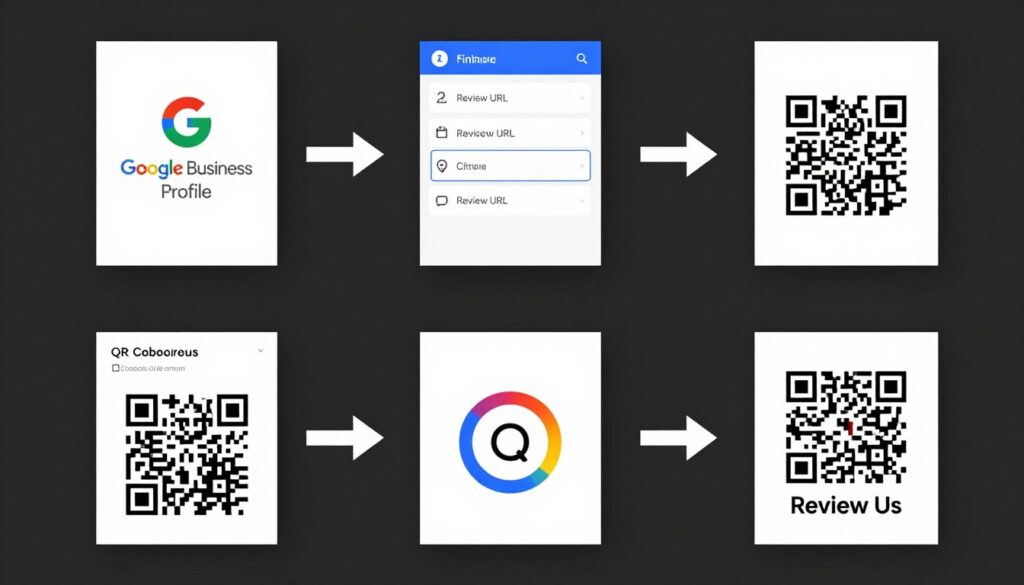
Creating a QR code for reviews involves just a few simple steps
Step 1: Choose Your Review Platform
The first decision is determining where you want to direct your customers to leave reviews. Your choice should align with your business goals and where your target audience is most active.
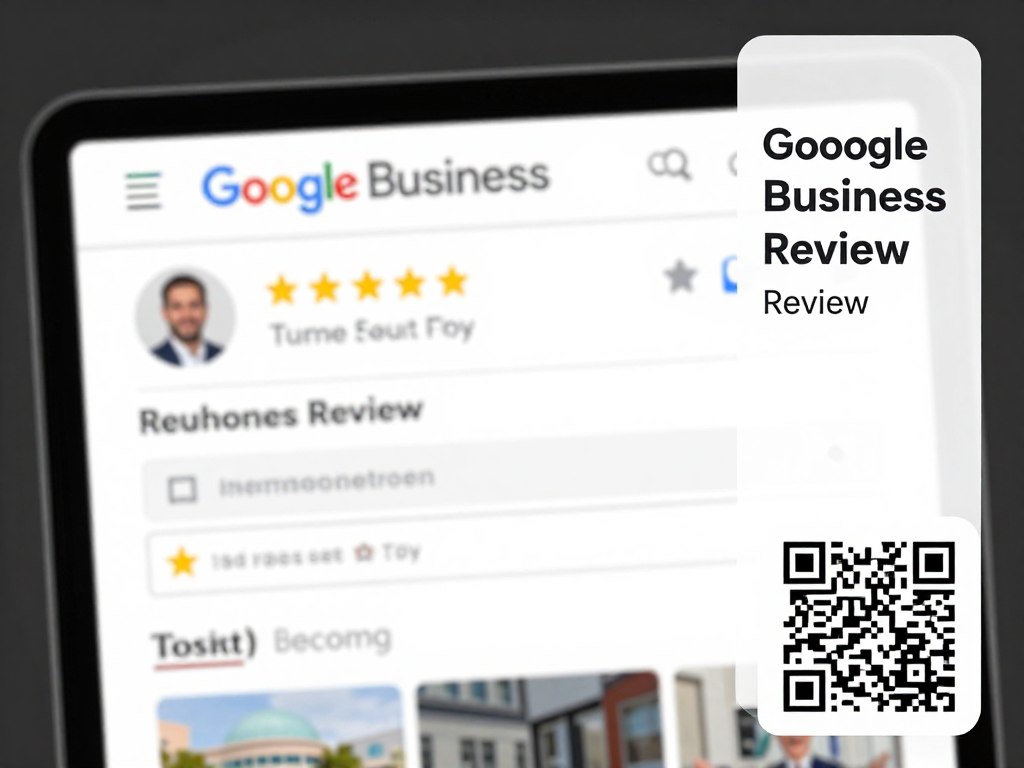
Google Business Profile
Ideal for local businesses looking to improve local search visibility. Google reviews directly impact your local SEO and appear in Google Maps results.
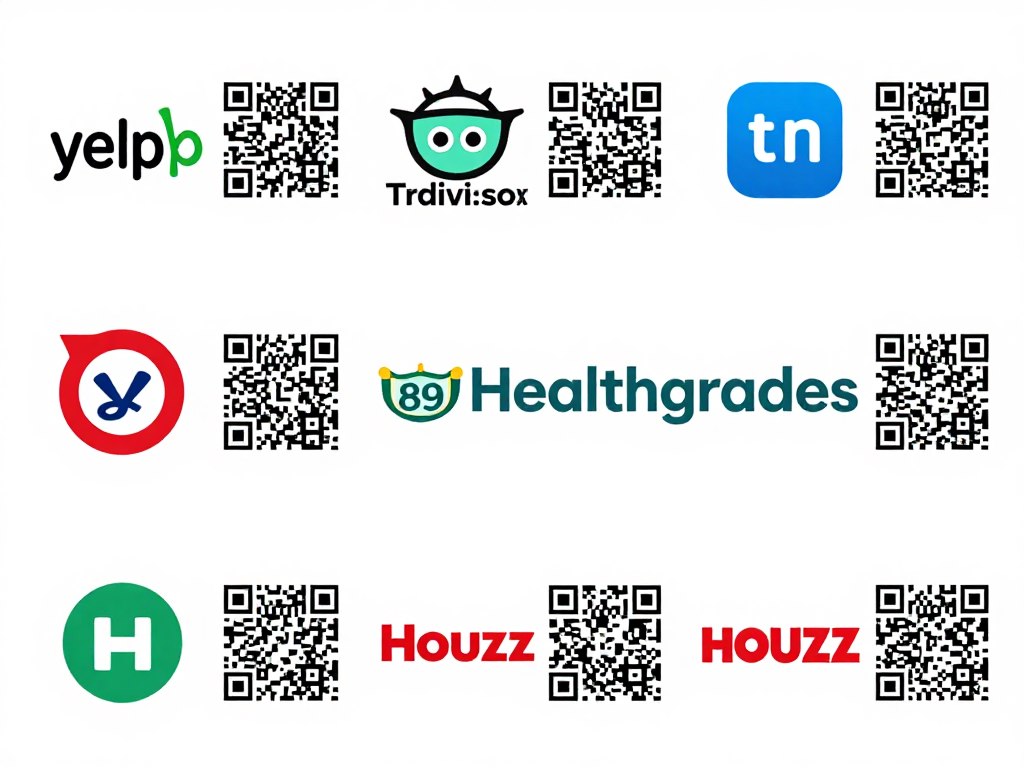
Industry-Specific Review Sites
Consider platforms like Yelp (restaurants), TripAdvisor (hospitality), Healthgrades (healthcare), or Houzz (home services) if they’re particularly relevant to your industry.
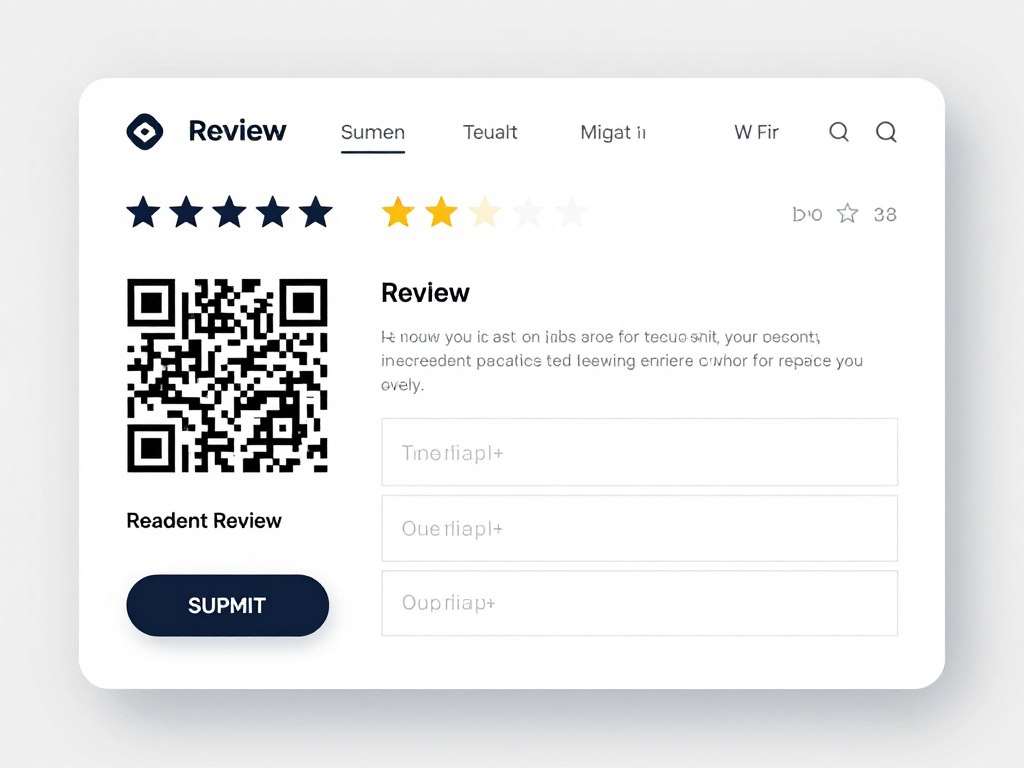
Your Own Website
If you have a review system on your website, directing customers there gives you more control over the review process and keeps visitors on your site.
“We saw a 32% increase in Google reviews within the first month of implementing QR codes at our register and in post-purchase emails. The convenience factor can’t be overstated.”
Step 2: Generate Your QR Code
Once you’ve chosen your platform, it’s time to create the QR code that will link directly to your review page. This process is simple but requires attention to detail to ensure optimal performance.
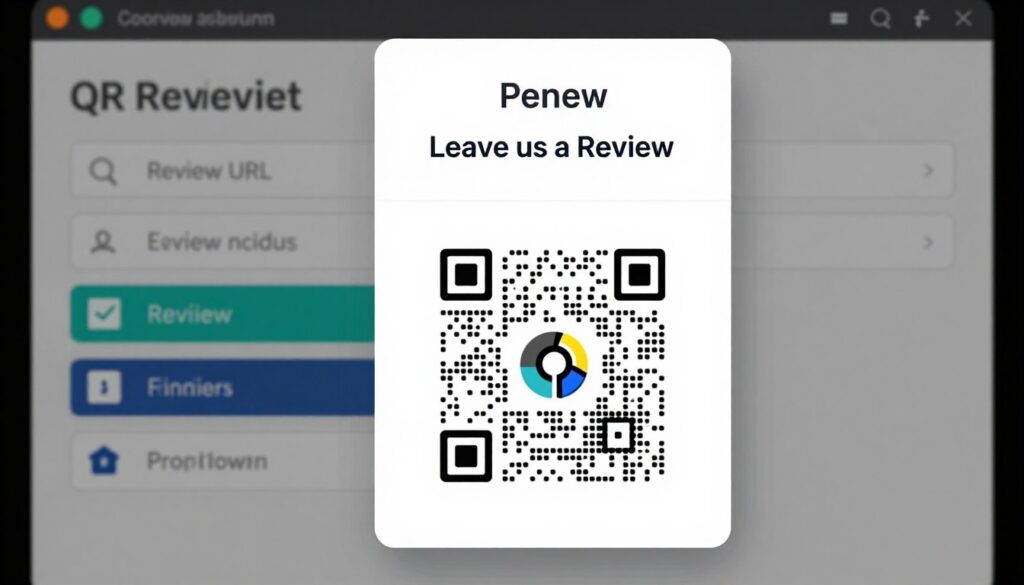
Most QR code generators offer customization options to match your branding
Pro Tip: If you’re creating QR codes for Google reviews, consider using a URL shortener before generating your QR code. This creates a cleaner code with fewer modules, making it easier to scan even at smaller sizes.
Step 3: Design & Strategic Placement
The design and placement of your QR code significantly impact scan rates. A well-designed QR code with clear instructions, placed at strategic locations, can dramatically increase customer engagement.
Effective Design Elements

Strategic Placement Locations
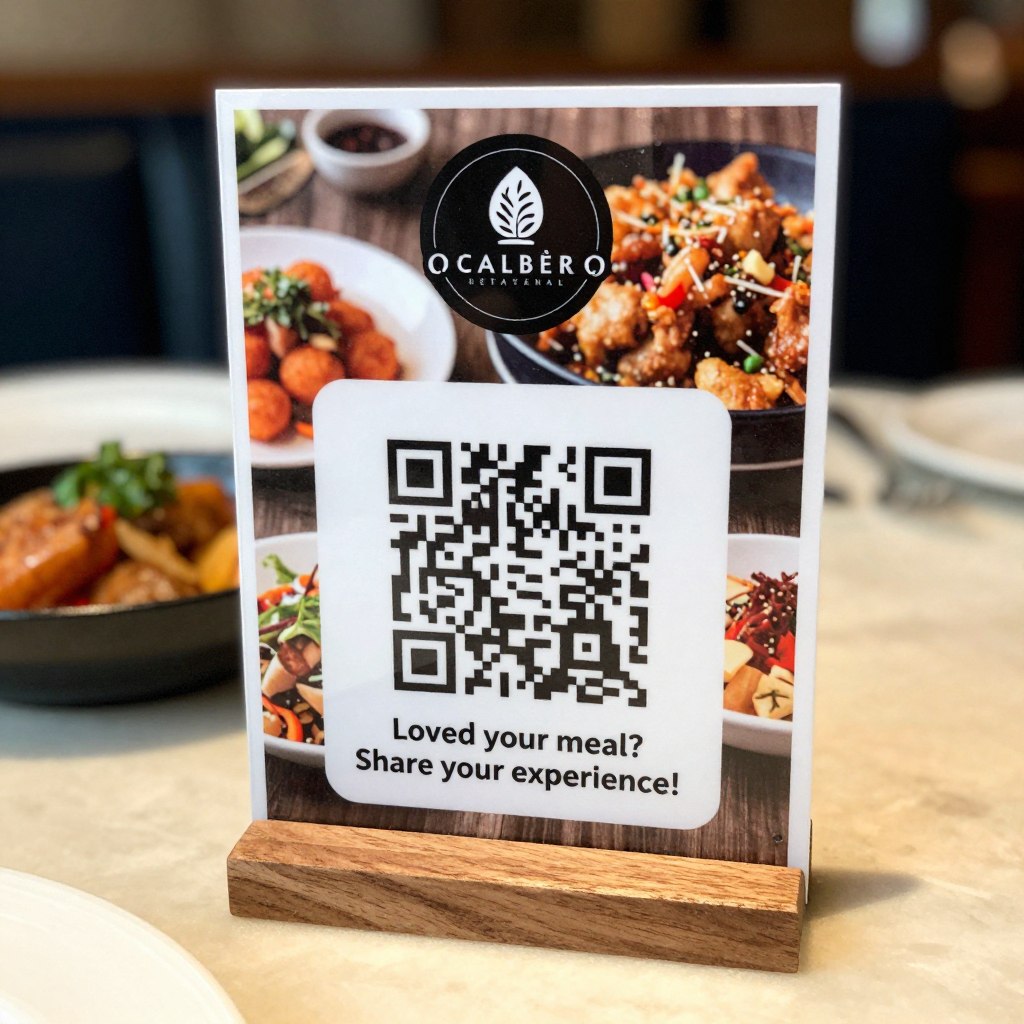
Table tents at restaurants
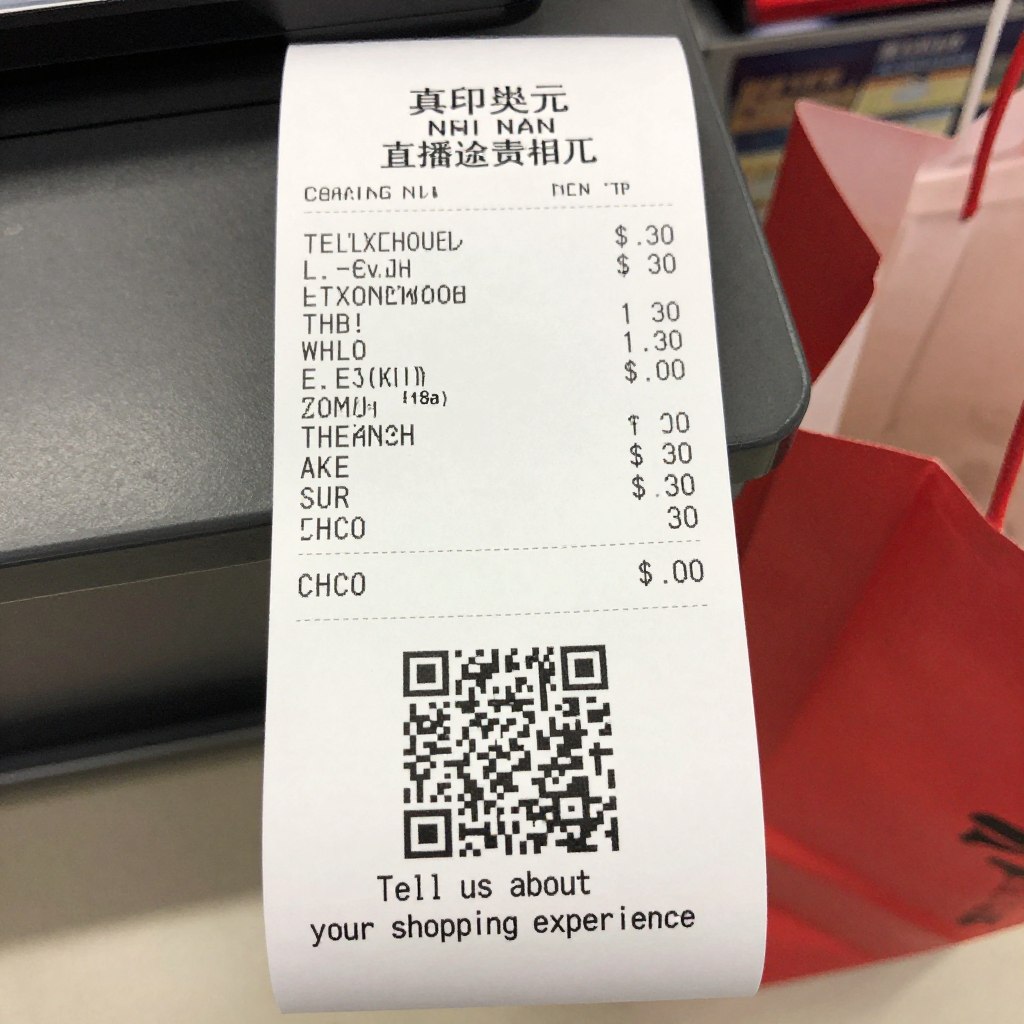
Printed on receipts
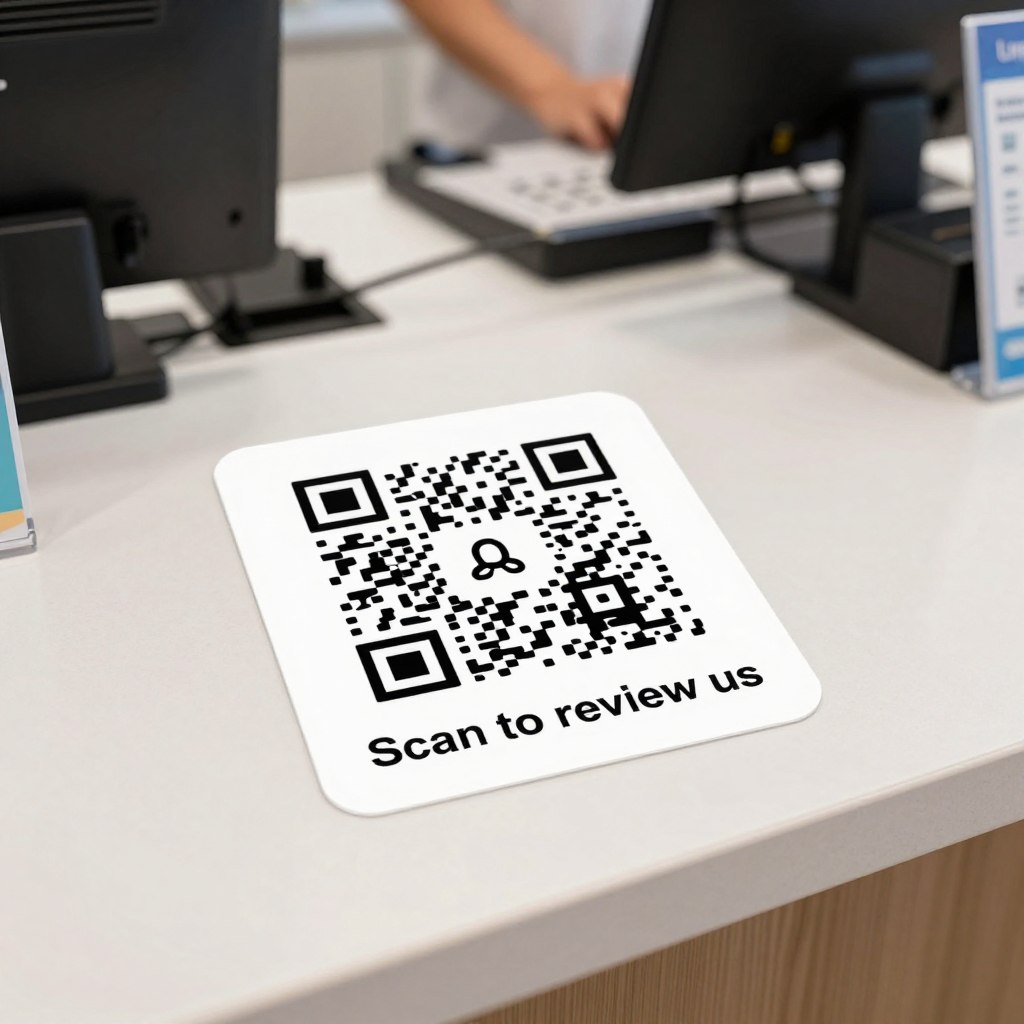
Checkout counter stickers
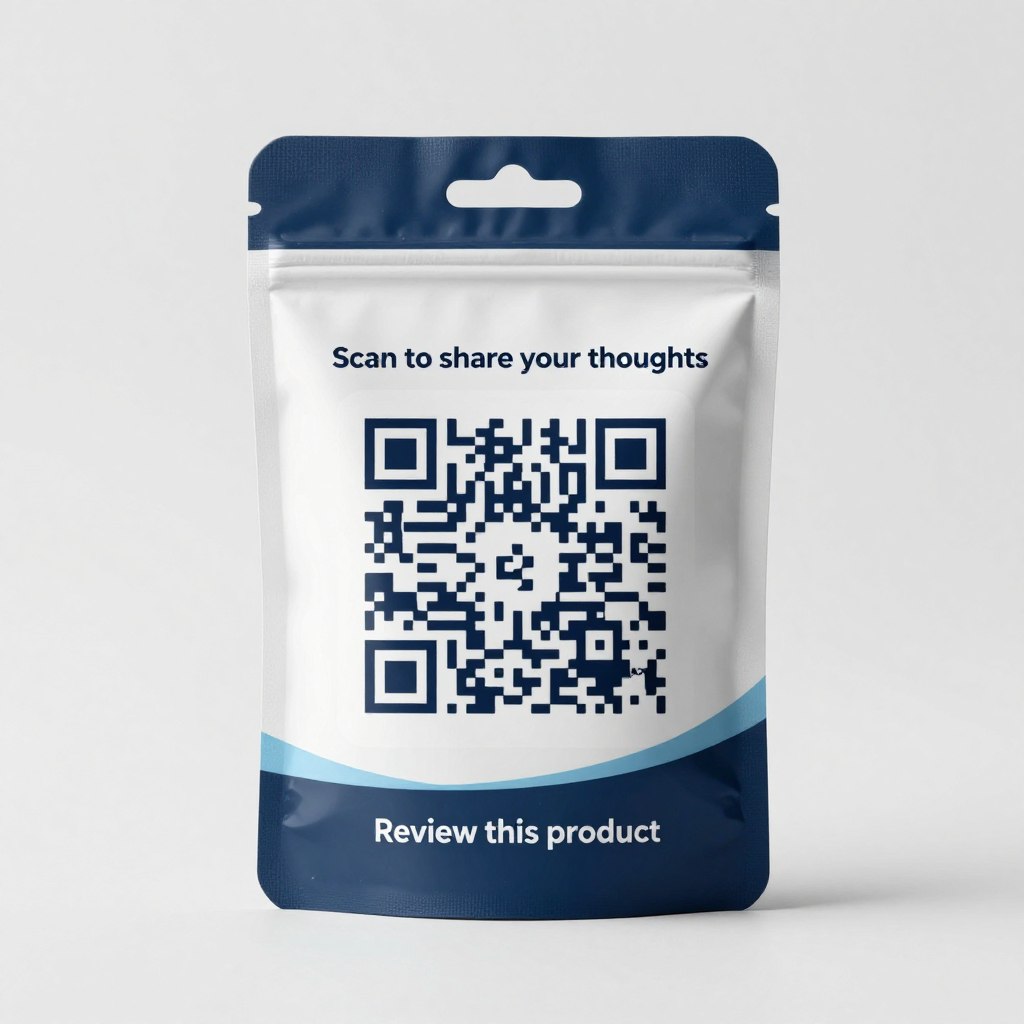
Product packaging
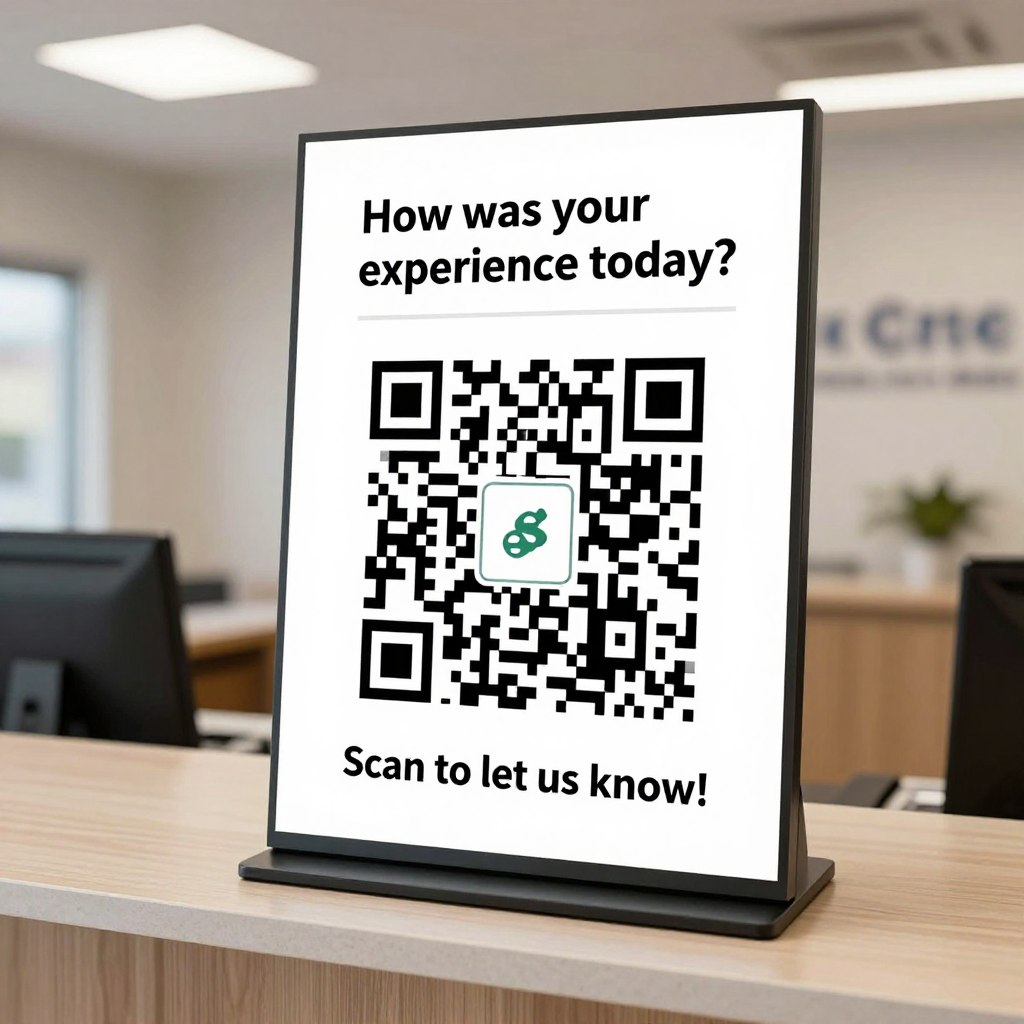
Reception areas
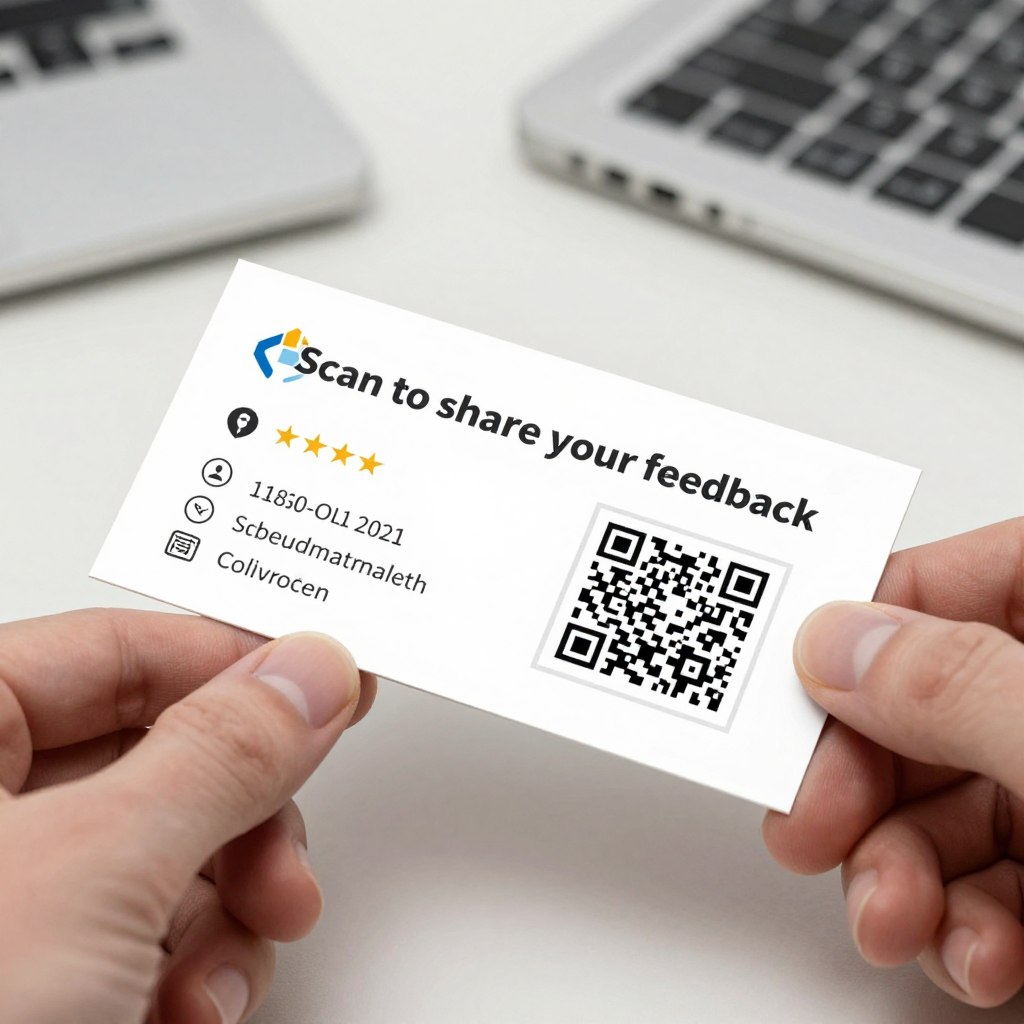
Business cards
Location Strategy Tip: Place QR codes at points where customers experience positive emotions or have just completed a satisfying transaction. The psychological principle of reciprocity makes people more likely to leave a review when they’re feeling good about their experience.
Step 4: Train Your Team
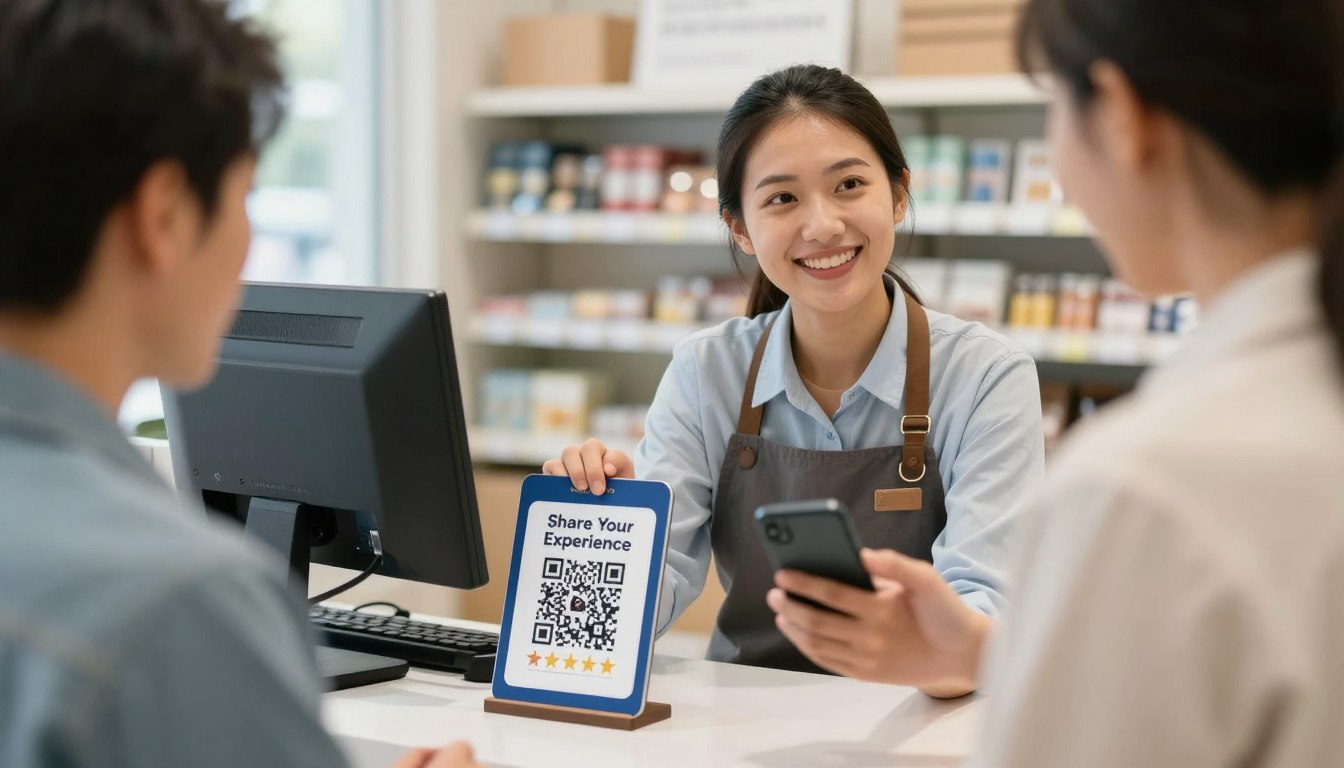
Even the best-designed QR codes won’t reach their full potential without proper staff involvement. Your team plays a crucial role in encouraging customers to use the QR codes and explaining the process.

Staff encouragement significantly increases QR code scan rates
Staff Training Guidelines
“The difference between passive QR code placement and active staff encouragement was night and day. When our team started mentioning the QR code after positive interactions, our scan rate increased by over 200%.”
Ready to implement QR codes for your business?
Get started with our free QR code generator specifically designed for review collection. Includes customizable templates with proven call-to-action phrases.
Pro Tips and Best Practices
Take your QR code review strategy to the next level with these advanced techniques and best practices from businesses that have successfully implemented review collection via QR codes.
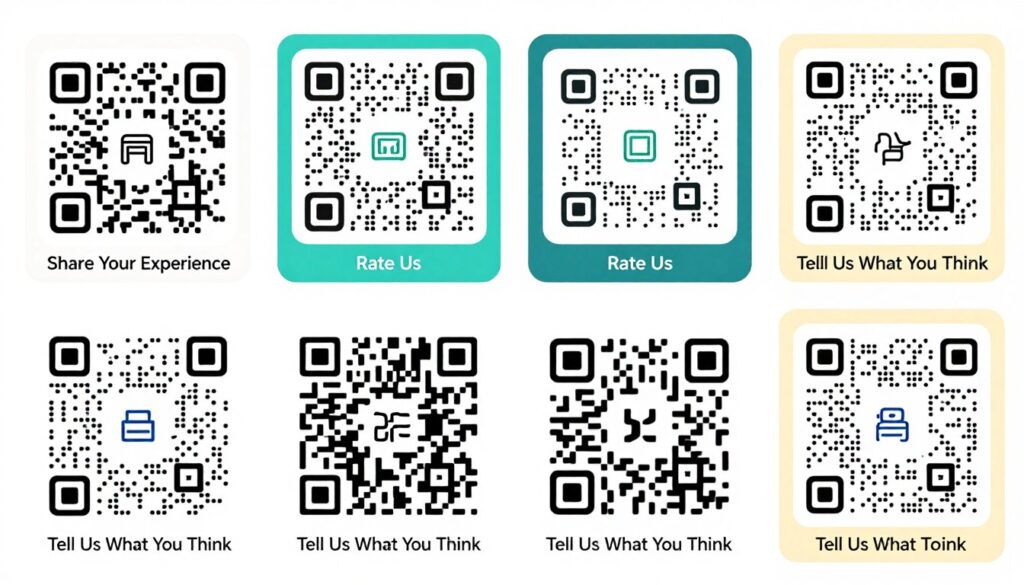
Experiment with different QR code designs and calls-to-action to find what works best
QR Code Review Collection: Do’s
- Test your QR codes regularly to ensure they still work properly
- Use dynamic QR codes that allow you to change the destination URL without creating a new code
- Track performance with QR codes that include analytics to measure scan rates
- A/B test different placements and calls-to-action to optimize performance
- Consider offering a small incentive for leaving a review (where platform policies allow)
- Send a thank-you message or email after a customer leaves a review
- Refresh your QR code designs periodically to maintain customer interest
QR Code Review Collection: Don’ts
- Don’t create QR codes that are too small or difficult to scan
- Avoid placing QR codes in locations with poor lighting or internet connectivity
- Don’t use QR codes without clear instructions or call-to-action text
- Avoid overwhelming customers with too many different QR codes
- Don’t create QR codes that lead to complicated multi-step processes
- Avoid explicitly asking for positive reviews (against most platform policies)
- Don’t use static QR codes for long-term campaigns (they can’t be edited)
Advanced QR Code Strategies
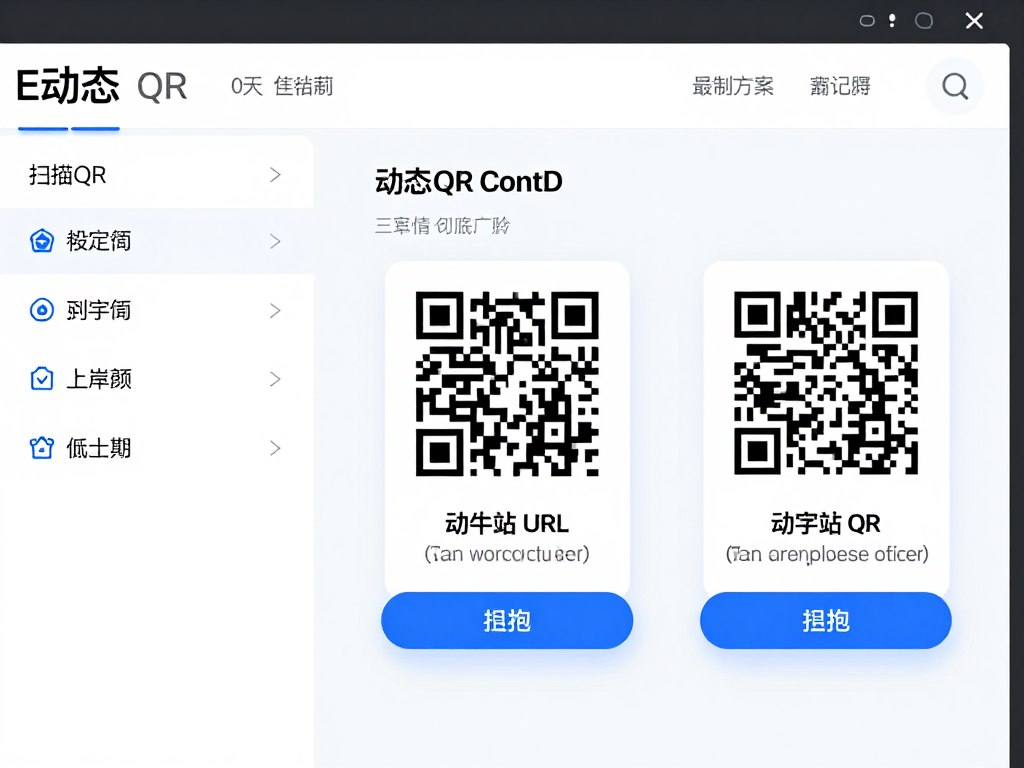
Dynamic QR Codes
Unlike static QR codes, dynamic codes allow you to change the destination URL without creating a new code. This is invaluable if you need to update your review link or want to direct customers to different platforms over time.
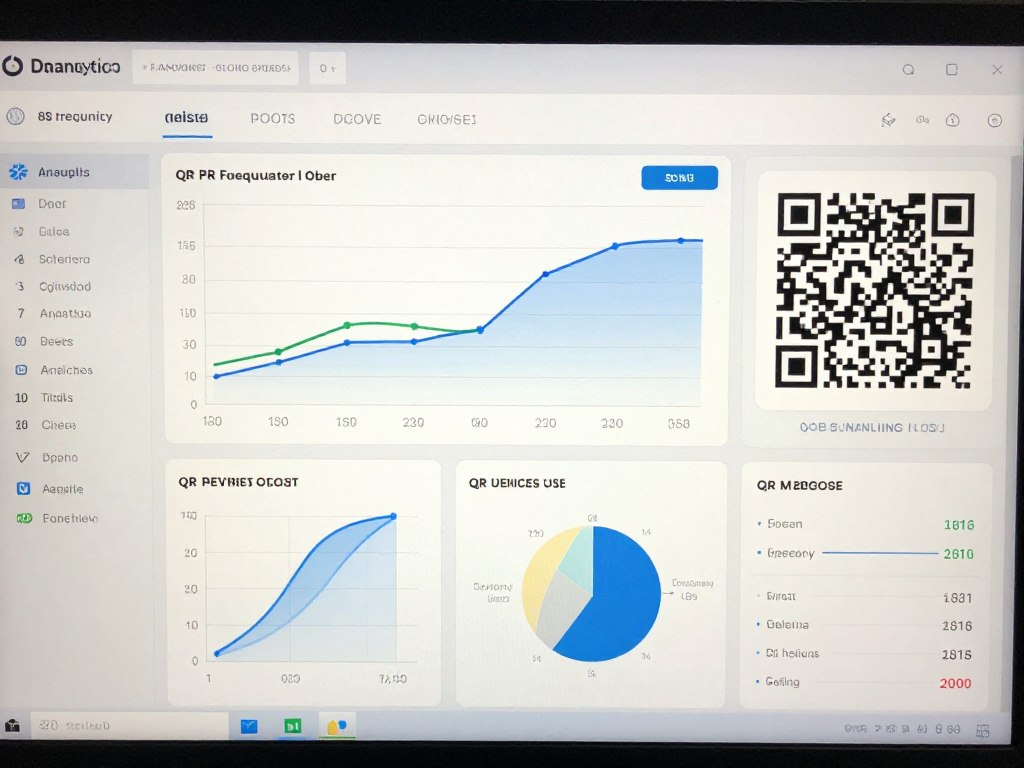
QR Code Analytics
Premium QR code services offer detailed analytics on when and where your codes are being scanned. This data helps you optimize placement and timing for maximum effectiveness.
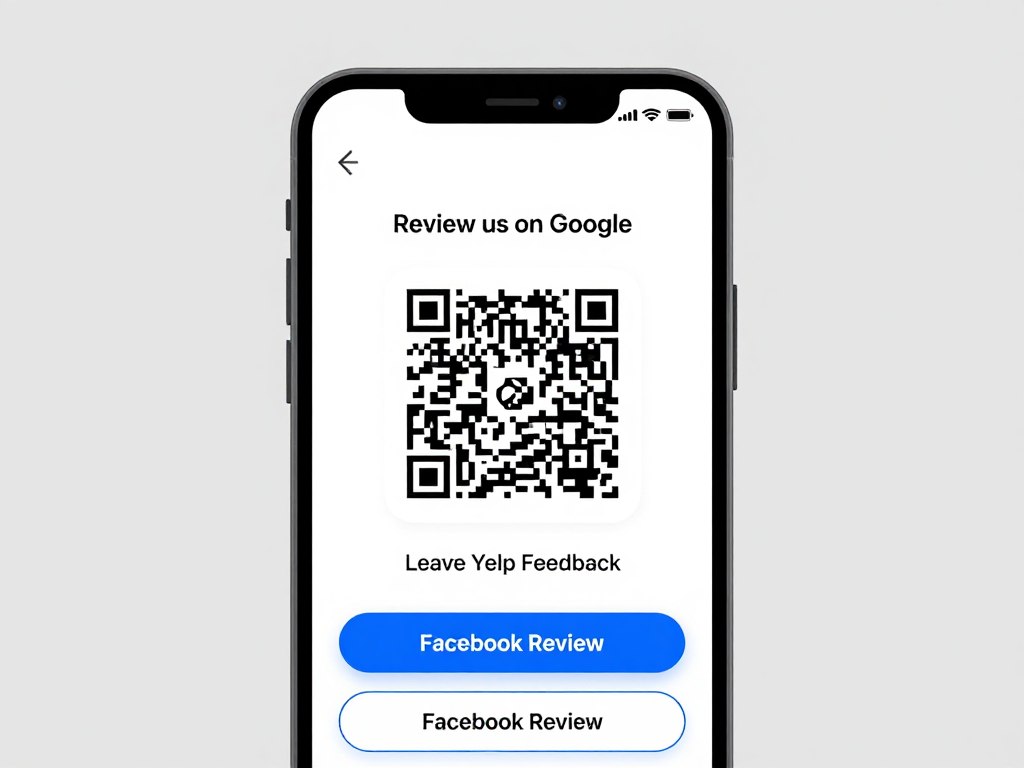
Multi-Platform Strategy
Consider creating a landing page that gives customers options for where to leave their review. This approach lets you collect reviews across multiple platforms while still using a single QR code.
Important: Always respect the review policies of each platform. Most review sites (including Google and Yelp) prohibit offering incentives specifically for reviews or selectively soliciting only positive reviews. Focus on making the review process convenient rather than incentivized.
Frequently Asked Questions
Here are answers to common questions about implementing QR codes for review collection.
Do I need special software to create QR codes for reviews?
No, you don’t need special software. There are many free online QR code generators that work perfectly for review collection. Simply copy your review link (from Google, Yelp, etc.) and paste it into the generator. For more advanced features like analytics, customization, or the ability to edit the destination URL later, you might consider a premium service like Beaconstac, Flowcode, or QR Code Generator PRO.
How do I find my Google review link to create a QR code?
To find your Google review link: 1) Search for your business on Google, 2) Click on your business listing, 3) Find the “Write a review” button, 4) Right-click on this button and select “Copy link address” (or similar option depending on your browser). This URL can then be used to create your QR code. Alternatively, in your Google Business Profile dashboard, you can find a “Share review form” option that provides a direct link and even a basic QR code.
Can I track how many people scan my QR code?
Yes, but only if you use a dynamic QR code service that offers analytics. Free QR code generators typically create static codes that don’t provide tracking capabilities. Premium services like Beaconstac, QR Code Generator PRO, and Flowcode offer detailed analytics including scan counts, locations, devices used, and even the time of day when scans occur. This data can help you optimize your QR code placement and strategy.
What’s the difference between static and dynamic QR codes?
Static QR codes have the destination URL directly encoded in the QR code pattern. Once created, you cannot change where they lead without creating an entirely new QR code. Dynamic QR codes contain a short URL that redirects to your destination. This redirection can be changed at any time without altering the QR code itself. Dynamic codes also typically offer analytics and are generally recommended for business use, especially for long-term applications like review collection.
Is it against review platform policies to use QR codes?
No, using QR codes to direct customers to your review page is perfectly acceptable on all major review platforms, including Google, Yelp, TripAdvisor, and others. What’s typically against policy is offering incentives specifically for reviews or selectively soliciting only positive reviews. QR codes simply make the review process more convenient, which is encouraged by most platforms. Always check the specific terms of service for each platform to ensure compliance.
Conclusion: Transform In-Person Satisfaction Into Online Reviews
QR codes for reviews represent one of the most effective bridges between physical customer interactions and online reputation building. By implementing the strategies outlined in this guide, you can significantly increase both the quantity and quality of reviews your business receives.
Remember that the key to success lies in making the process as frictionless as possible for customers while strategically placing QR codes at moments of peak satisfaction. When combined with gentle encouragement from your team, this approach creates a powerful system for continuously building your online reputation.
The digital landscape continues to evolve, but the fundamental importance of authentic customer reviews remains constant. By leveraging QR code technology, you’re not just collecting more reviews—you’re capturing genuine feedback at the moment when customer satisfaction is highest, resulting in more authentic and impactful testimonials for your business.
Start collecting more reviews today!
Create your custom review QR code in minutes and start building your online reputation with authentic customer feedback.